Now available on Android & iOS

Your money,
finally clear.

Scan receipts and bank statements, plan shopping with family, track budgets and savings goals, and learn from real money stories, all in one free app.

Download free See features →
Paper receipt
Aapka Big Bazaar
DateApr 3
TypeExpense
CategoryFood
Amount$10.86
Cashflow: Budget Manager transactions list with categorized expenses, search and filters
Categorized
ScanReceipt or PDF to transaction
ReviewAI-filled categories before saving
PlanShopping lists, budgets and savings goals
UnderstandReports by category, store and item

Follow what we are shipping, week by week.

We maintain a public update log with release notes, improvements, and fixes so you can always see what changed in Cashflow: Budget Manager.

Visit updates page →

Everything for your money, in one free app

AI-powered scanning

Photograph a receipt, upload from your gallery, or add a PDF bank statement. Cashflow reads the store, date, amount and even the items, flags dates it is unsure about, and warns you before saving a duplicate.

Shared shopping lists

Make lists that work with no signal, share them with family using a code, and get suggestions as you type. Scan your receipt and the items you bought are ticked off for you.

Savings goals

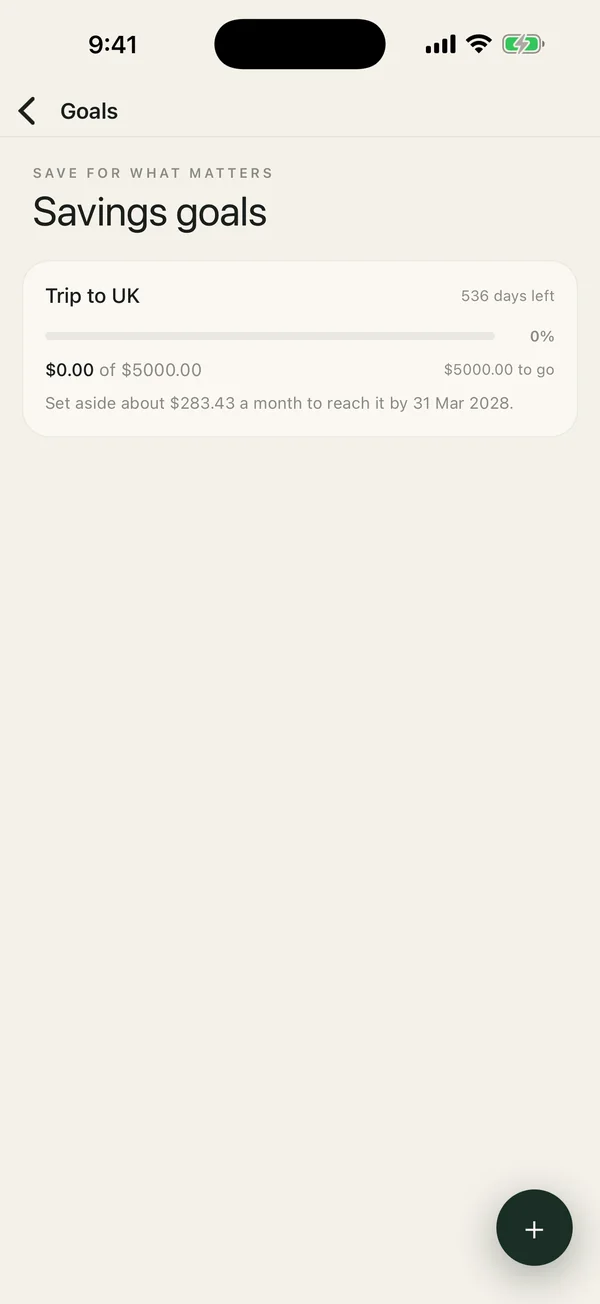
See how much is really free to spend, track the monthly pace to each goal, and get a warning if an expense would dip into money you have set aside.

Smart budgets

Set weekly, monthly, or yearly limits and get warned at 80% or the threshold you choose.

Reports by store and item

See net cashflow and category charts, then drill into which stores and items take the most, with price hints from your own receipts.

Community stories

Read short, real money stories from other members, and share your own. Every story can be reported, and you can block members.

Streaks and badges

Build a habit of logging your spending. Keep your streak going and earn badges as you go.

Multi-account view

Track checking, savings, credit cards, investments, and cash with one clear total balance.

See it in action

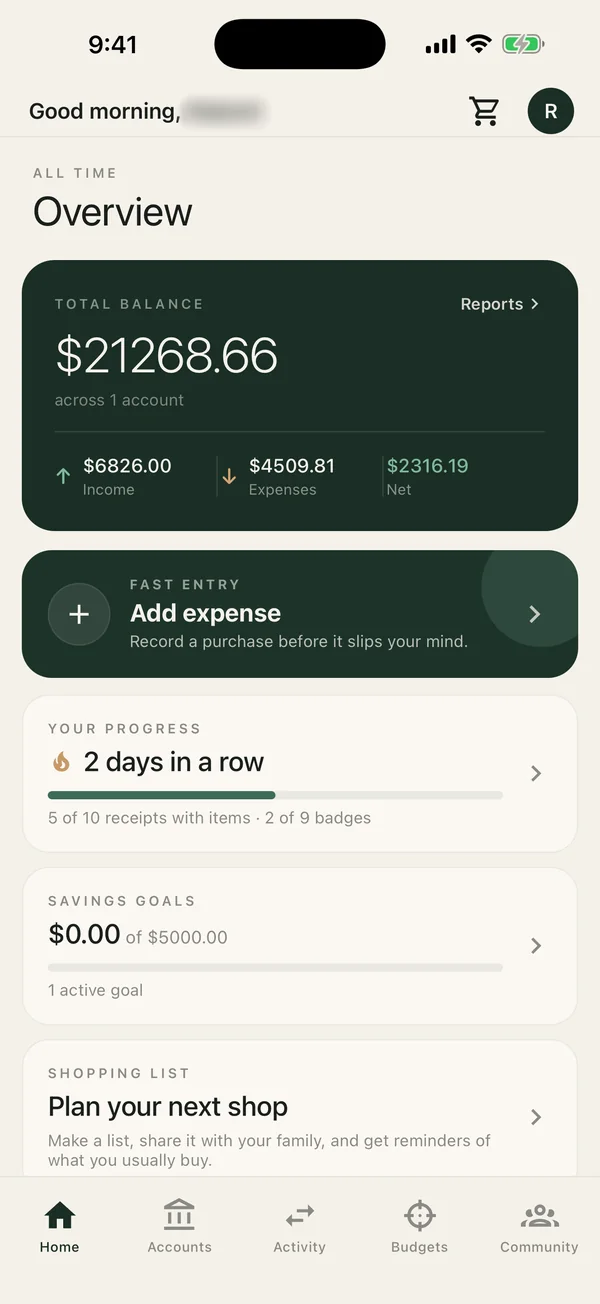
Home with total balance, savings goals, progress and shopping list

Home

Balance, streak, goals and your shopping list at a glance.

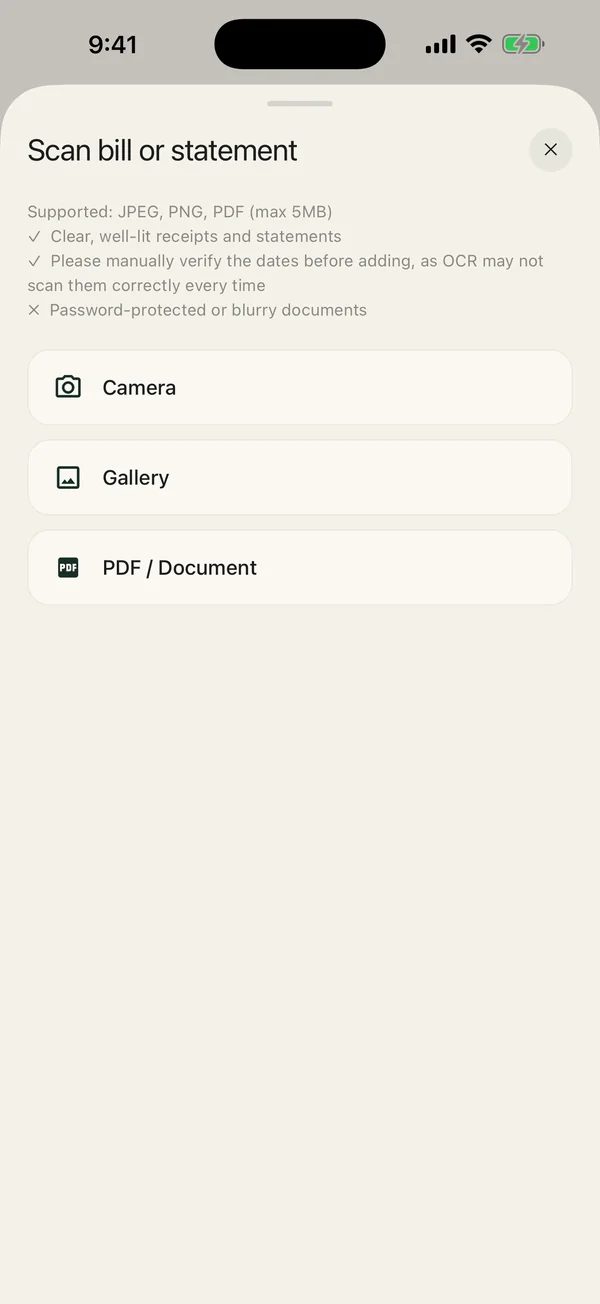
Scan bill or statement sheet with camera, gallery and PDF options

Scan a bill

Camera, gallery or PDF statements, with every field ready to review.

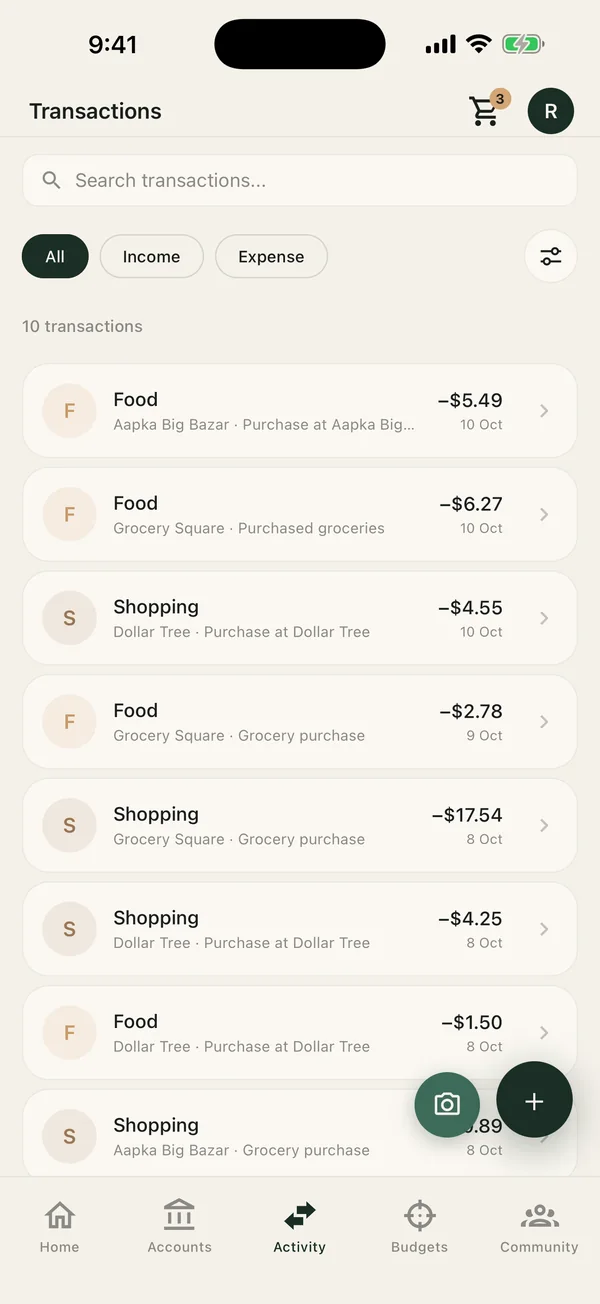
Transactions list with search, type filters and scan buttons

Transactions

Search, filter and review every income or expense row.

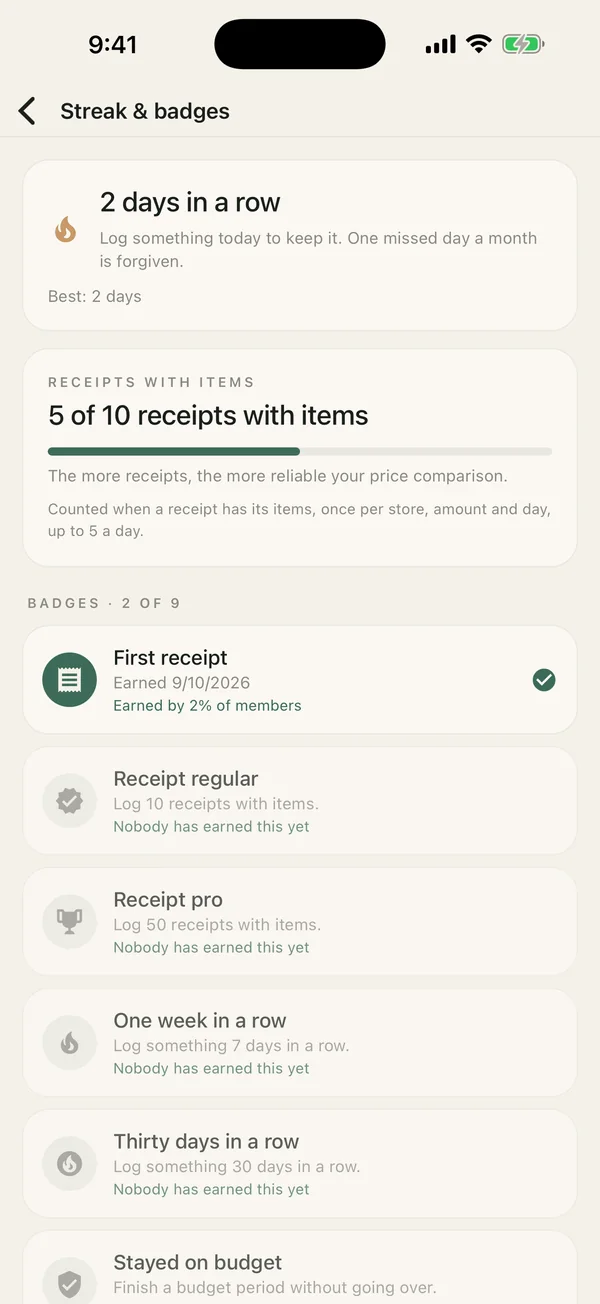
Streak and badges screen with receipt progress

Streaks and badges

Keep your streak going and earn badges as you log.

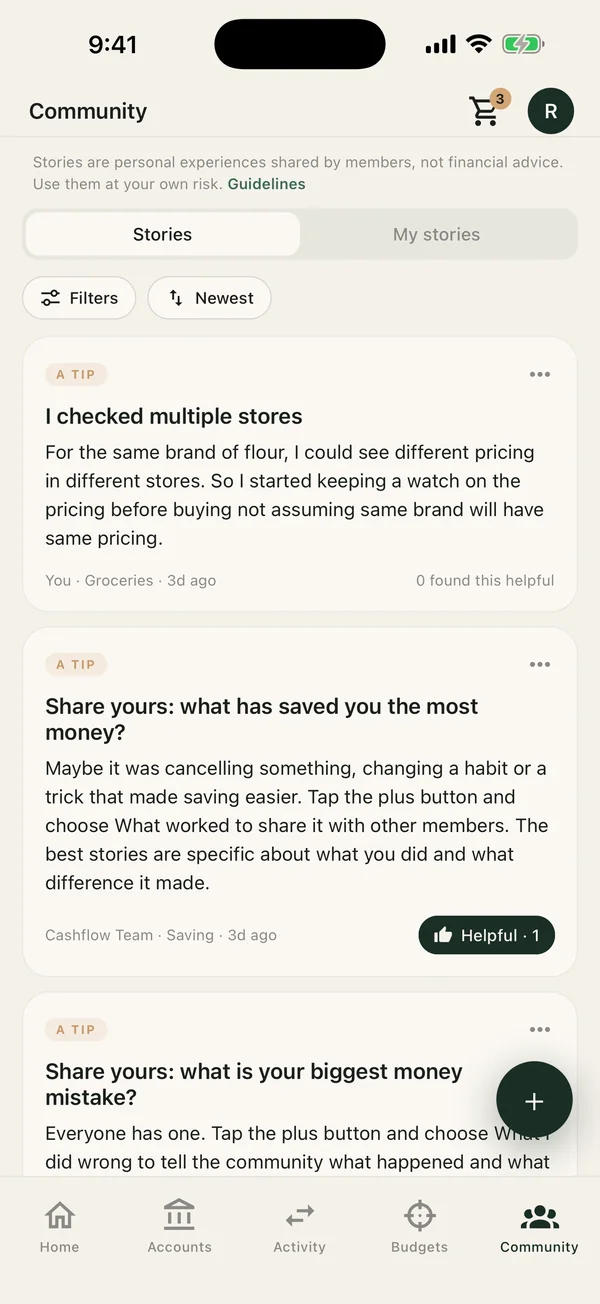
Community stories feed with filters and sort

Community

Real money stories and tips from other members.

Savings goals screen showing the monthly pace to reach a goal

Savings goals

See the monthly pace that gets you to each goal.

From receipt to insight without the spreadsheet

01

Scan or add activity

Snap receipts, upload bank statement PDFs, or add transactions by hand. Cashflow reads the store, date, amount and items for you to confirm.

02

Plan ahead

Make shopping lists with family and set budgets and savings goals, so you know what is really free to spend.

03

See where it goes

Reports by category, store and item show where your money goes, with price hints from your own receipts.

04

Build the habit

Keep your streak, earn badges and pick up tips from real money stories shared by the community.

Questions, answered

Is Cashflow: Budget Manager free?

Yes. The app is free to download and use on Android and iOS, with no credit card needed.

How does receipt scanning work?

Take a photo of a receipt, pick one from your gallery, or upload a bank statement PDF. The app suggests the merchant, amount, date and category, and you review everything before it is saved.

Can I track more than one account?

Yes. Track checking, savings, credit cards, investments and cash in one place, with balances calculated from your transactions.

Can I share a shopping list with my family?

Yes. Shopping lists can be shared with other people, and you can tick items off against a scanned receipt.

Can I delete my account and data?

Yes. Email [email protected] with an account and data deletion request, or see the privacy policy for details.

Guides: Receipt scanner · Shared shopping list · Budget planner · 50/30/20 rule · Track household expenses · Bank statement import · Savings goals · Money tips · Blog

Start tracking.
Stop guessing.

Free to download. No credit card. No fluff.

Download on the App Store
Get it on Google Play